
Trip planner app
Organize your trips automatically. Import flights, trains, hotels, and events from email, PDF, or photos. Folio extracts key details and arranges everything into a clean travel timeline so you always know what comes next.
Flight tickets
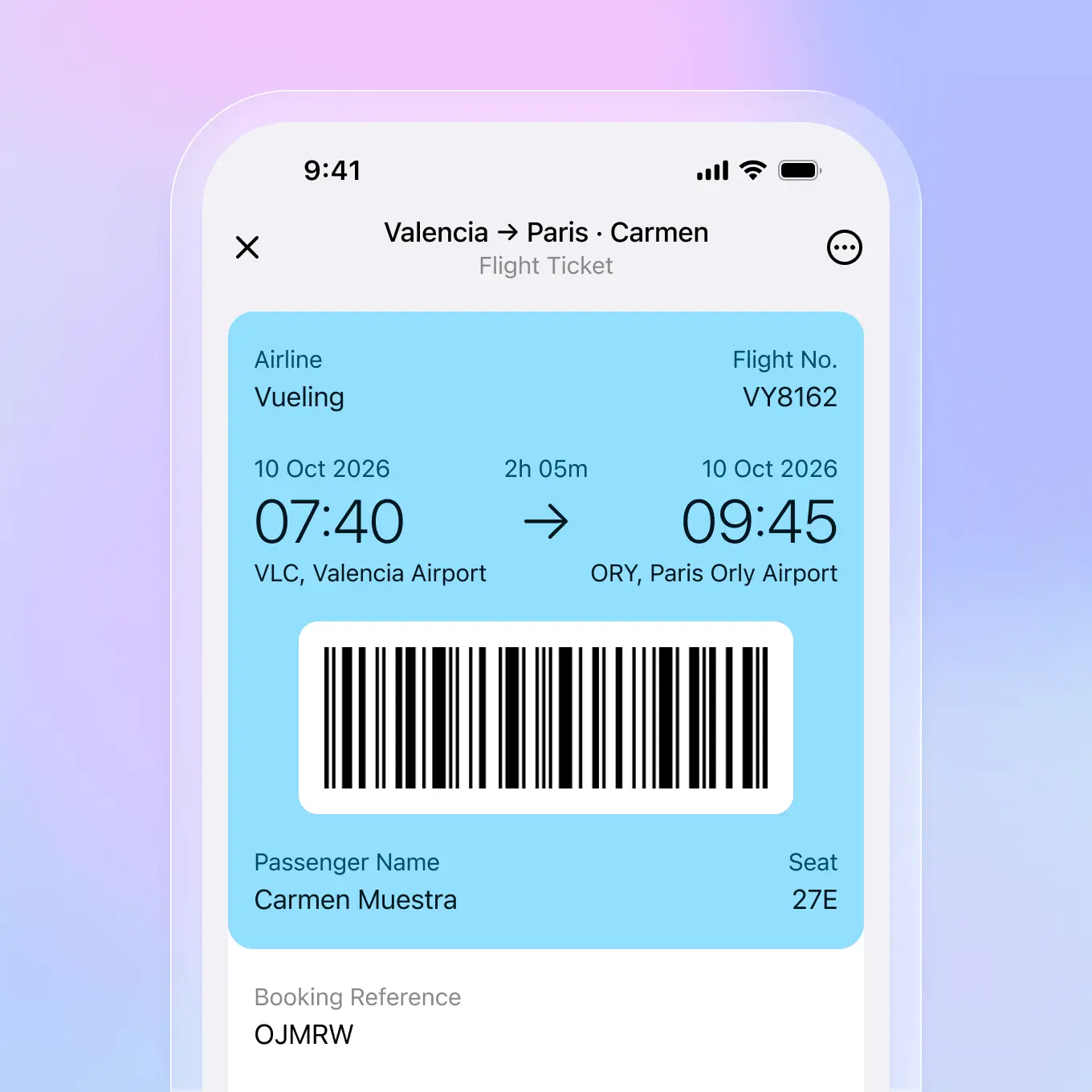
Forward your booking confirmation email or import a PDF. Folio extracts your flight number, departure time, gate, seat, and booking reference. Your boarding pass is ready when you need it, even without internet.

Gate and seat numbers extracted automatically
Works offline at the airport
All booking details in one place
Hotel bookings
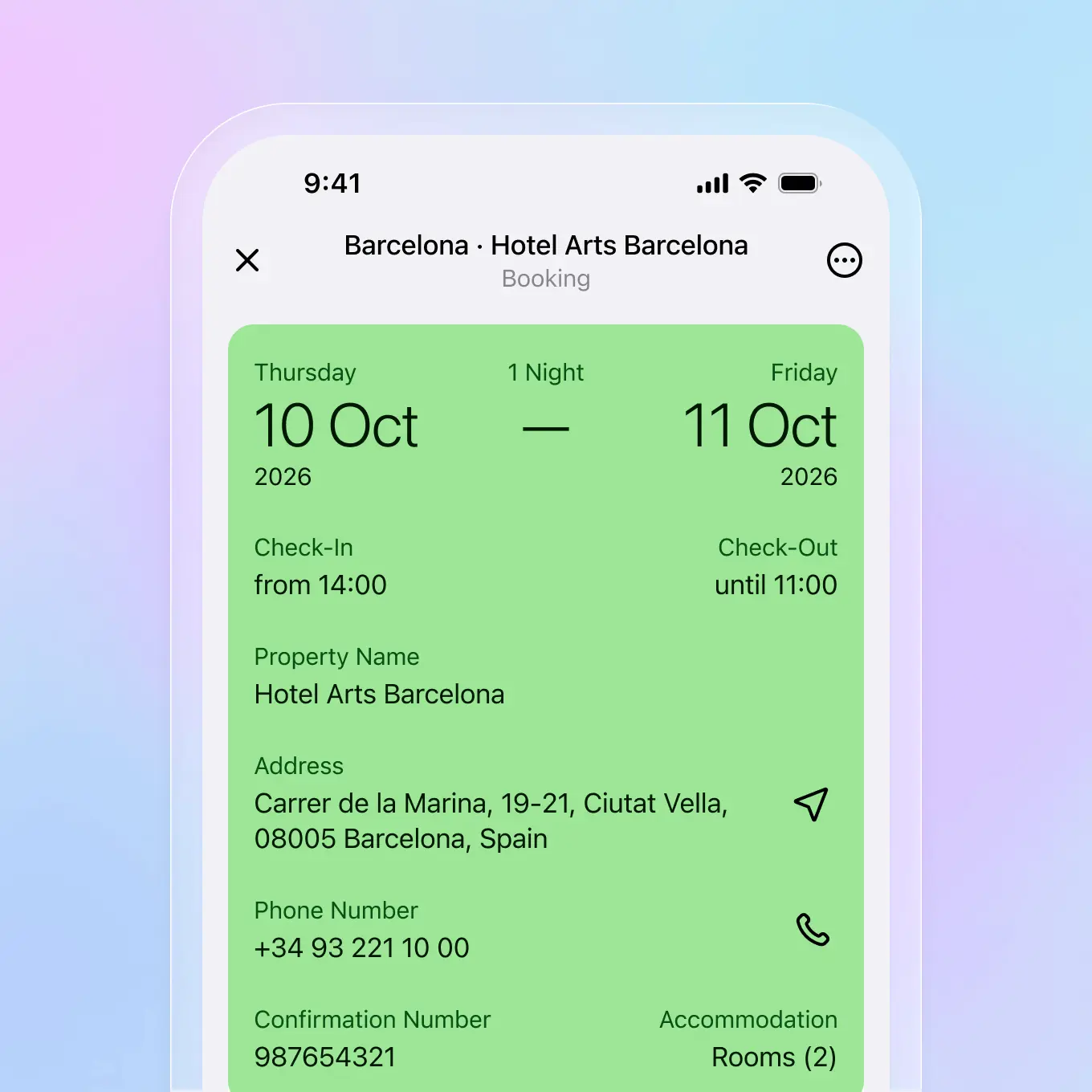
Import your hotel confirmation and Folio captures check-in times, addresses, confirmation numbers, and contact details. Everything you need for a smooth arrival, right on your phone.
Check-in and check-out times clearly displayed
Property address and contact info extracted
Confirmation numbers always accessible
Train tickets
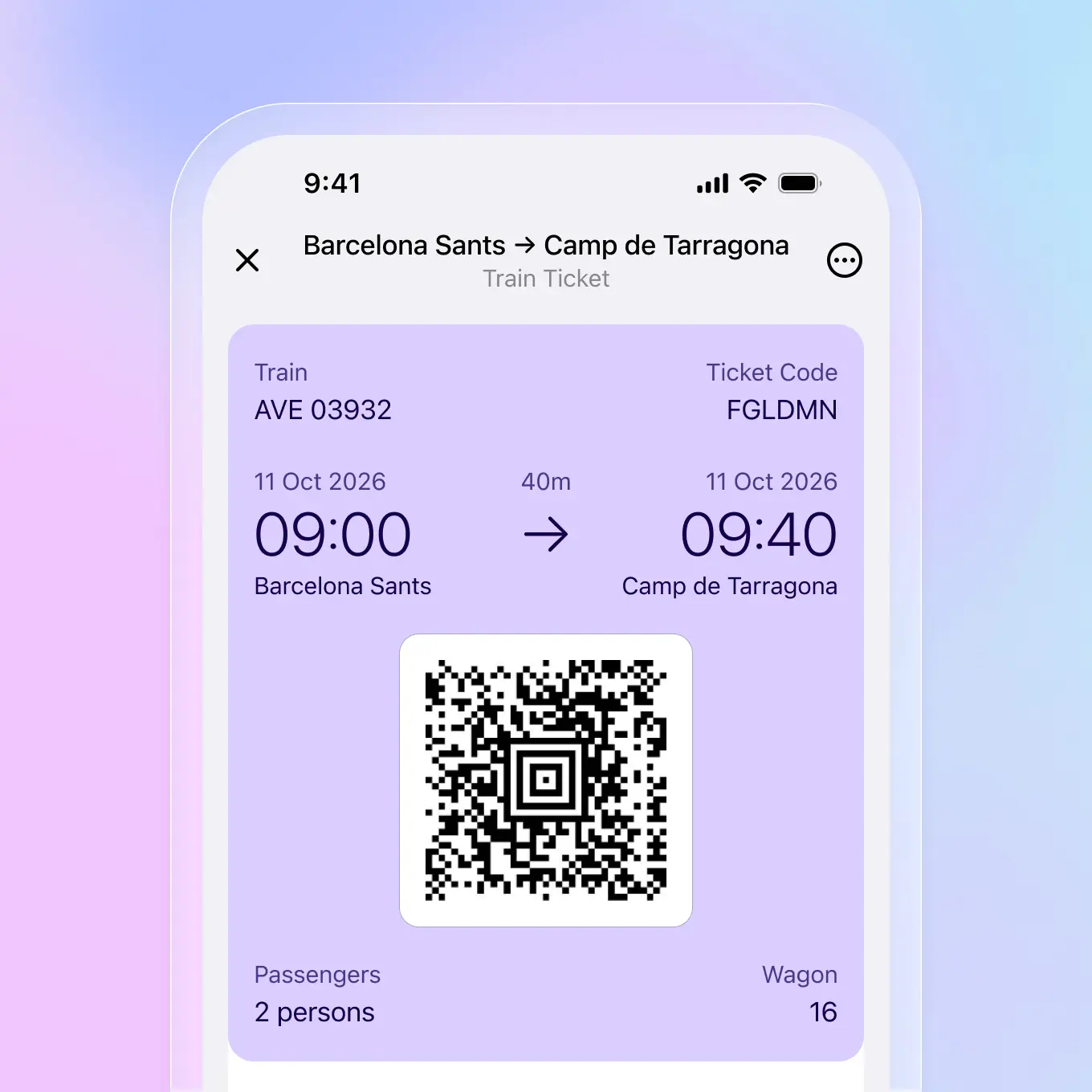
Add your train ticket from email, PDF, or photo. Folio extracts train numbers, departure and arrival times, seat assignments, and ticket codes. Your journey details are organized and easy to find.
Train numbers and schedules extracted
Seat and wagon information captured
Ticket codes ready for scanning
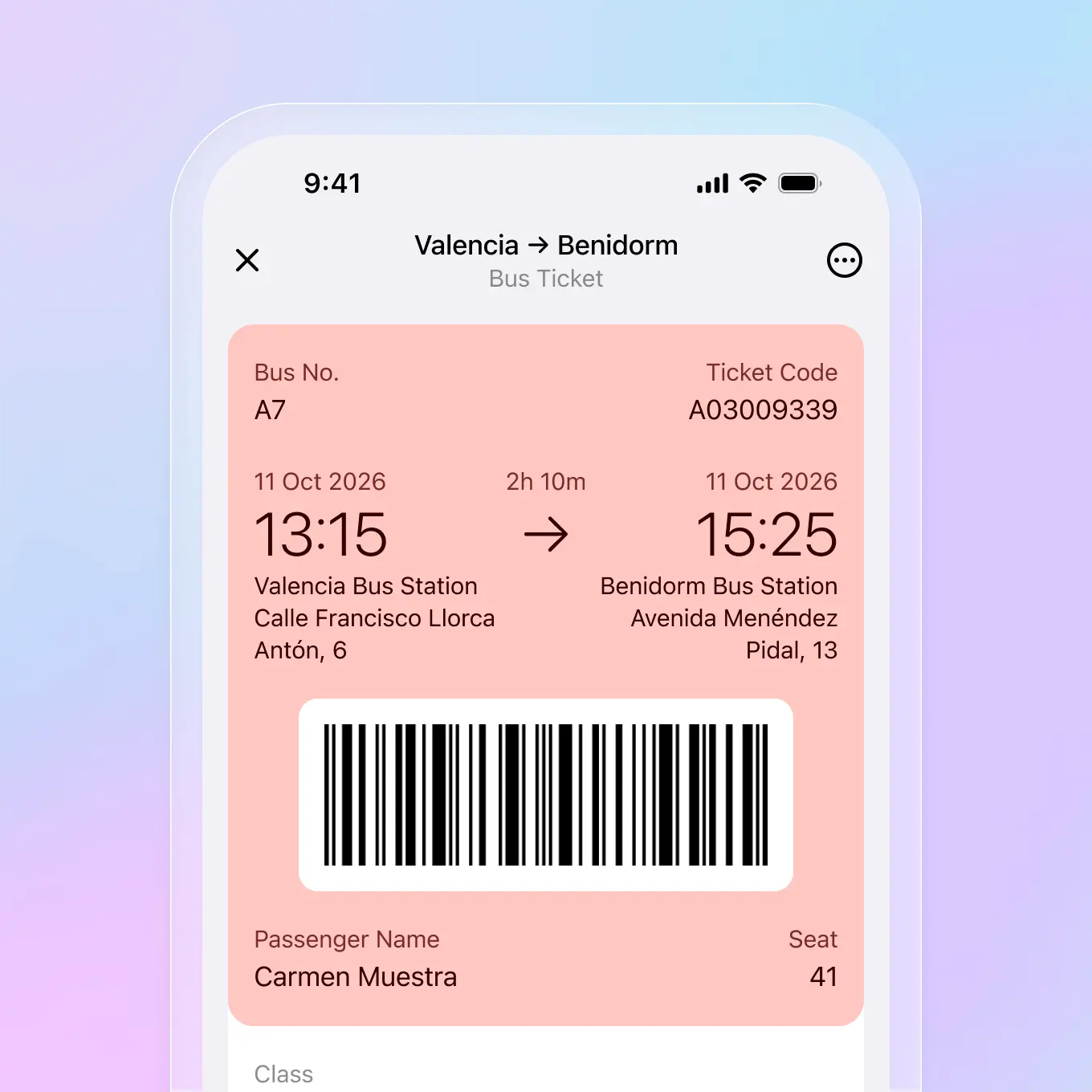
Bus tickets
Store bus tickets and passes in one place. Folio extracts departure times, routes, seat numbers, and ticket codes automatically. No more searching through emails or screenshots.
Route and departure times extracted
Ticket codes and seat numbers captured
Works with any bus operator
Event tickets
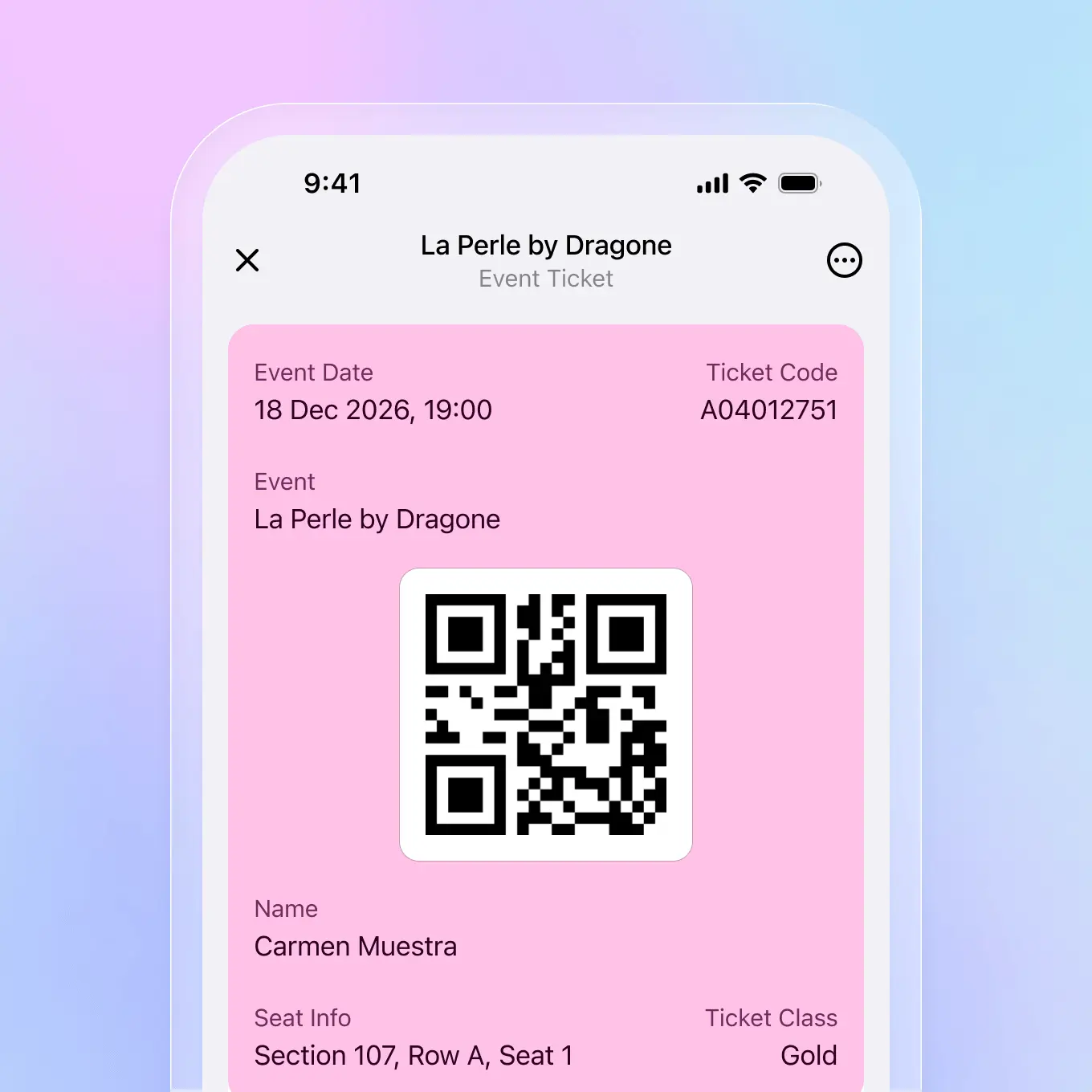
Import concert tickets, event passes, and venue bookings. Folio extracts event dates, times, seat information, and ticket codes. Your QR codes are ready to scan at the door.
Event dates and times extracted automatically
Seat and section information captured
QR codes ready for entry
Your journey, organized automatically
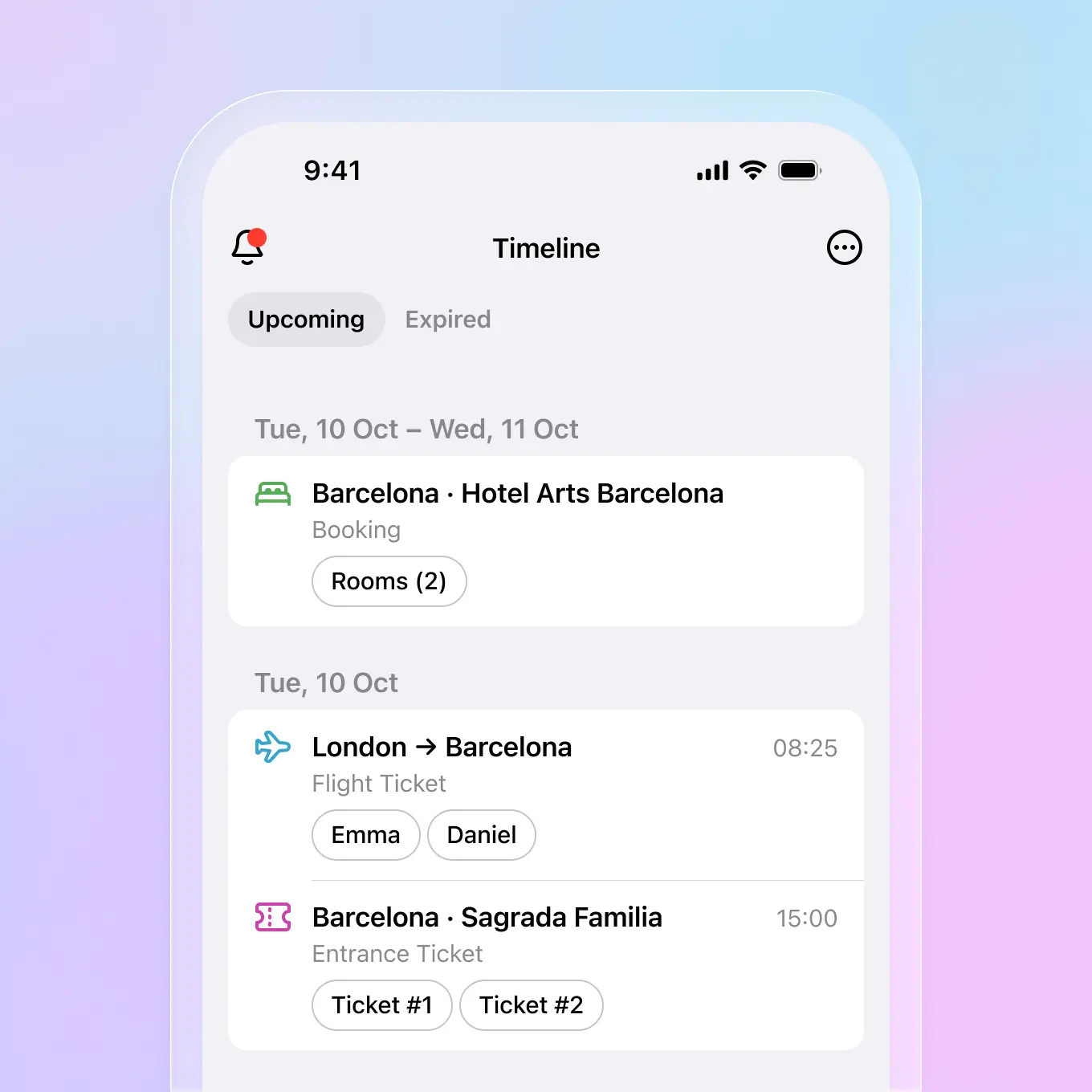
Folio's travel timeline automatically arranges your trips in chronological order, so you always know what's next.

Automatic sorting
Tickets and bookings are sorted chronologically by date and time, grouped by trip.

Grouped by date
Your itinerary is organized day by day, making it easy to see your complete journey at a glance.

Travel history
Keep a record of all your past trips. Access booking details and documents anytime, even after your trip ends.

Upcoming reminders
Get gentle notifications before departures and check-ins so you're never caught off guard.
How to organize your trips
Adding your travel documents to Folio takes just seconds.

Import tickets
Scan tickets with your camera, forward booking emails to docs@folio.id, or import PDFs from your library.

Folio extracts details
Times, dates, locations, and passenger information are captured automatically from your tickets and confirmations.

Everything appears in timeline
Your trips are organized automatically into a clean, scrollable timeline. No manual entry required.
Why use Folio for travel

Unified format
All tickets and bookings are transformed into one clean, readable format, regardless of the original source.

Works offline
Access your tickets and travel documents anytime, even without internet connection. Perfect for airports and remote locations.

Share with family
Create shared folders to keep travel plans, tickets, and IDs accessible to everyone in your group.

Original files attached
Your PDF confirmations and emails are saved with each document for quick reference when needed.
Frequently asked questions
Common questions about using Folio as your trip planner app.
Take Folio with you, wherever you go
Your documents stay organized, synced and instantly accessible on iOS and Android.




Take Folio with you, wherever you go
Your documents stay organized, synced and instantly accessible on iOS and Android.